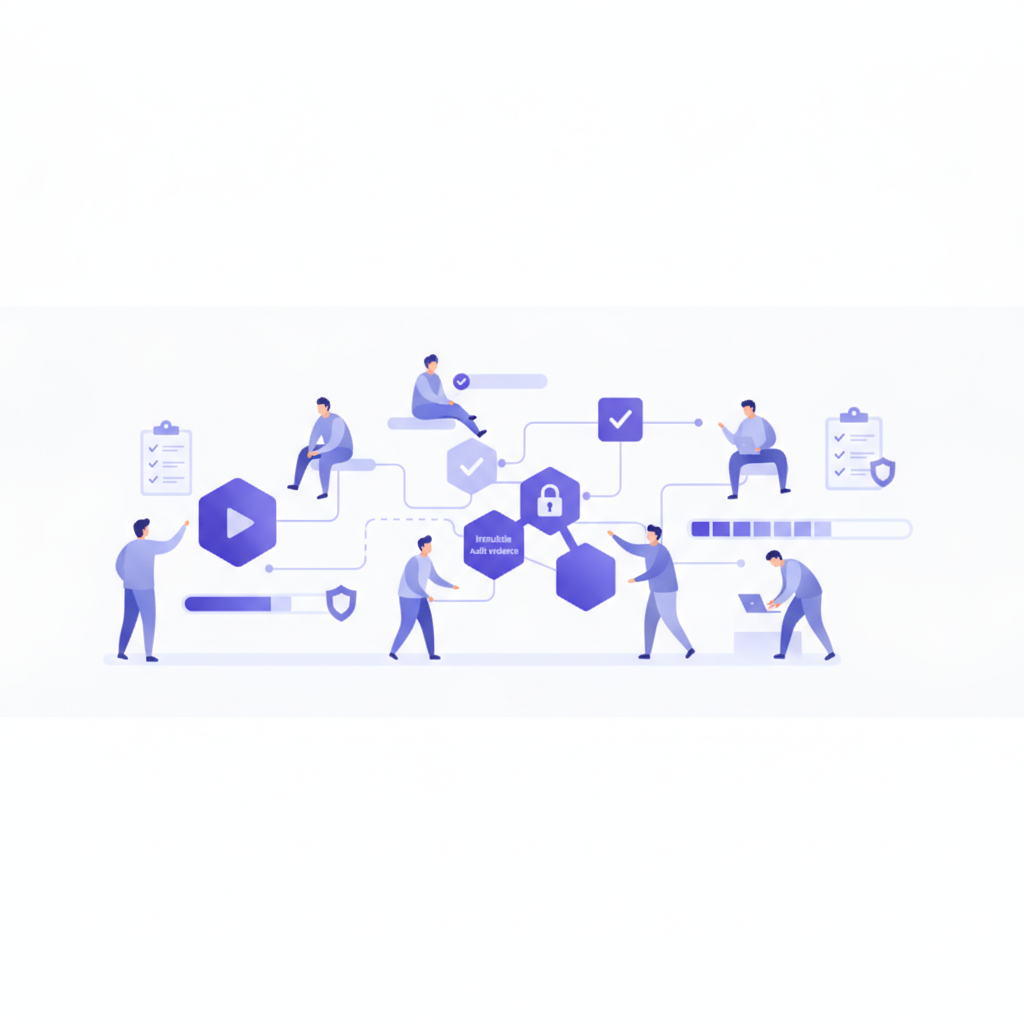
Remember that annual compliance training email, the one everyone ignored until you sent three follow-ups? Or the mad scramble to prove to auditors that every new hire actually completed their security policy review? These moments are, frankly, exhausting. Building a training program is hard enough without the added headache of chasing down individuals and manually logging completion.
That's exactly where Beacon's Assignments feature shines. It's built for internal teams who need to ensure staff complete specific workflows, learn new systems, or acknowledge policies. And yes, it gives you the immutable evidence you need for ISO 27001, SOC 2, or any other audit that comes your way.
Let's walk through how to set up, assign, and track staff training tours effectively.
Why Staff Training Needs More Than Just a Link
Simply sending out a link to a training tour and hoping for the best isn't a strategy; it's a prayer. For internal training, especially anything compliance-related, you need accountability. You need to know who did what, when they did it, and be able to prove it later. This isn't about micromanagement; it's about consistency, risk mitigation, and frankly, making your life easier when the auditors call.
Beacon's Assignments turn your interactive product tours into trackable learning events. Whether it’s onboarding new support staff on Salesforce Service Cloud, ensuring the entire sales team understands the new pricing structure in HubSpot, or getting everyone up to speed on your latest internal tool, assignments close the loop.
Creating and Assigning a Tour to Your Staff
The process starts, naturally, with a tour. You've already built an interactive tour – perhaps using the Chrome Extension to guide users through a third-party app like SAP or Notion, or maybe you've even leveraged Beacon's AI to generate steps from an uploaded SOP document. Once that tour is published, it’s ready for assignment.
From your Beacon dashboard, head over to the 'Staff Training' section and select 'Assignments'. Here, you'll create a new assignment:
- Select the Tour: Pick the specific tour you want your staff to complete. It could be a 'How to Process an Expense Report' tour or 'Understanding Our Data Privacy Policy'.
- Choose Your Assignees: You can assign tours to individual staff members or, more efficiently, to entire groups. Groups are fantastic for roles-based training – for example, automatically assigning a 'New Sales Onboarding' course to everyone in the 'Sales Team' group as soon as they join.
- Set a Due Date: This is key for driving completion. A clear deadline creates accountability. You can set it to a specific date, or a relative date (e.g., "7 days from assignment").
- Add a Message (Optional): A brief message to clarify the purpose or importance of the training can improve engagement. I always recommend adding one; context helps.
Once created, your staff will see the assigned tour in their personal Beacon portal or launcher widget, along with the due date. They can then start the tour directly.
Tracking Completion and Audit Evidence
This is where the real magic, and the compliance peace of mind, happens. Back in the 'Assignments' section of your dashboard, you'll see a clear overview of all your assignments and their status:
- Pending: The assignment has been made, but the staff member hasn't started or completed it.
- In Progress: They've started the tour but haven't finished it yet.
- Completed: They've gone through every step of the tour.
- Acknowledged: For tours that require explicit acknowledgment, this confirms they've not just completed it, but also formally agreed to its terms or understanding.
- Overdue: The due date has passed, and they haven't completed the tour.
You can filter and sort this list to quickly identify who needs a nudge, or which assignments are performing well. Each assignment entry breaks down into individual staff members, showing their specific status.
What truly sets Beacon apart for compliance is the immutable evidence. When a staff member completes an assignment, Beacon generates a tamper-proof record. This evidence snapshot captures:
- Assignee's name and email
- The specific tour name and its version at the time of completion
- The exact completion timestamp
- Acknowledgment timestamp (if applicable)
This record cannot be edited or deleted. It's locked in. For an auditor, this is gold. No more digging through emails or hoping your spreadsheet is accurate. You can export this completion data to a CSV file at any time, providing clear, auditable proof for regulatory reviews like ISO 27001 or SOC 2.
Scaling Up with Courses
While individual assignments are powerful, you might have more complex training paths. This is where Beacon's 'Courses' come into play. Courses allow you to group multiple tours into sequential learning paths, setting prerequisites (e.g., "Course A must be completed before Course B"). You can invite staff to courses or auto-enroll them based on their group membership. All completion tracking for courses rolls up, giving you a holistic view of learning progress.
Think of it this way: Assignments are your direct orders. Courses are your boot camps. Both use the same robust tracking and immutable evidence.
Ready to Streamline Your Training?
Stop spending countless hours on manual tracking and audit prep. Beacon gives you a single platform to create interactive training tours, assign them to individuals or groups, set deadlines, and generate the immutable evidence you need for any compliance review. It's about empowering your staff with clear guidance and giving you peace of mind.
Start building your first staff training tour and put compliance on autopilot. Build your first tour for free at https://dobeacon.com/signup.