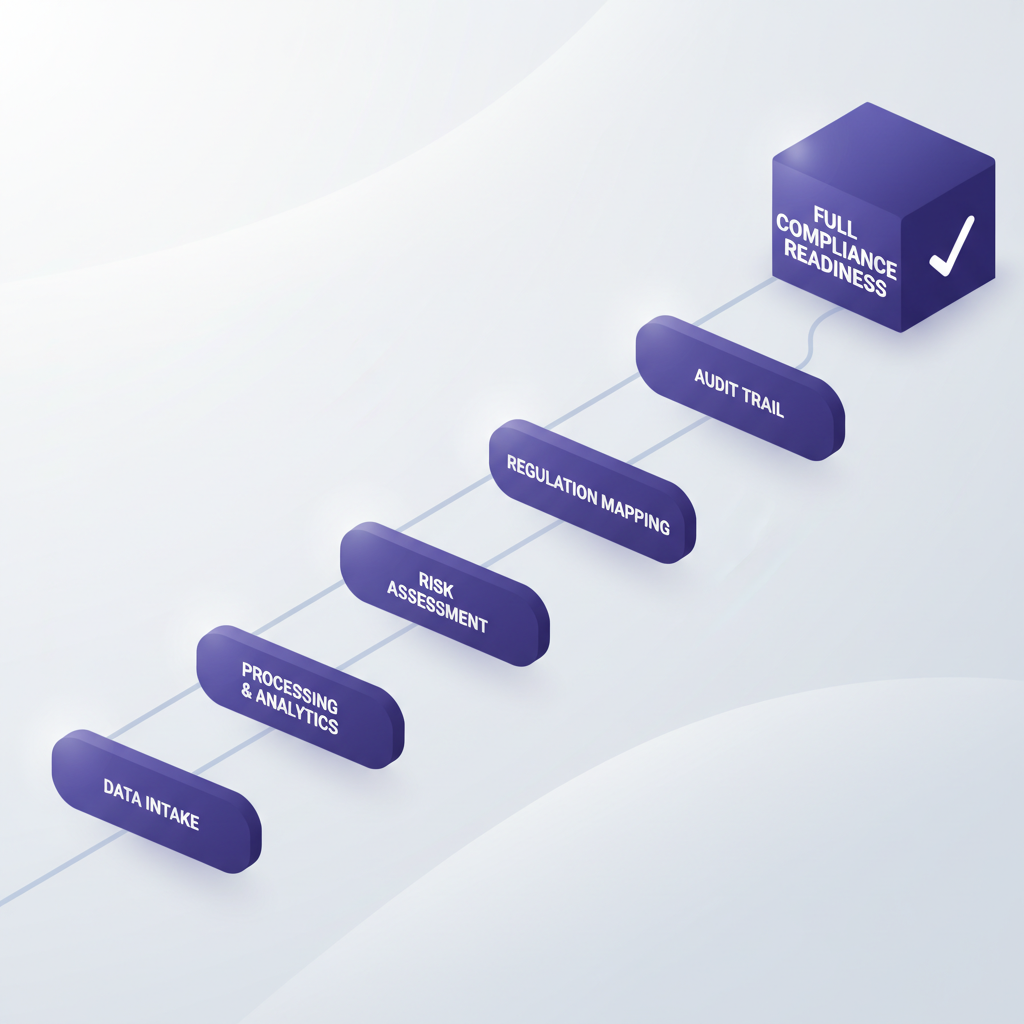
You’ve just hired a new team member, or it’s time for that annual compliance refresh. Your audit checklist (hello, SOC 2 or ISO 27001) demands that staff not only receive training but complete it, and often, in a specific order. Simply handing someone a collection of documents or even a list of interactive tours often isn’t enough. People skip steps, jump ahead, or miss crucial prerequisites.
That's where structured, sequential training comes in. For compliance, the order in which information is consumed isn't just a suggestion—it's foundational. You can't understand data classification policies if you haven't grasped the basics of sensitive information types first. And proving that everyone followed the designated path? That's the real challenge for any audit.
The Compliance Conundrum: Why Order Matters
Many organizations struggle with demonstrating that their staff training programs are truly effective and auditable. Auditors aren't just looking for proof that a training happened; they want to see that the right training happened, to the right people, in the correct sequence, and that completion was verified. Without this, your internal controls might have a gaping hole.
This isn't just about ticking boxes. It's about ensuring your team genuinely understands the policies and procedures vital to your security posture. Interactive, guided tours are already a massive leap forward from static PDFs, but without the ability to enforce a learning path, you're leaving too much to chance.
Beacon's Courses feature is designed precisely to solve this. It lets you bundle individual tours into a comprehensive, sequential learning path, ensuring staff tackle content in the order you prescribe. Crucially, it tracks and provides immutable evidence of this completion, which auditors love.
From Tours to Training Modules
Before you build a course, you'll need the individual tours that make it up. Think of a tour as a single module in your training curriculum. For a SOC 2 compliance course, you might have tours like:
- “Understanding Our Data Handling Policy”
- “Best Practices for Password Security”
- “Recognizing and Reporting Phishing Attempts”
- “Incident Response: What to Do in a Breach”
Each of these tours can be an interactive guide overlaid directly on the systems your staff use daily—whether it's Salesforce, an internal ticketing system, or your company's HR portal. No more abstract training; it's training in situ.
Once your tours are ready, you can start assembling your course.
Building Your First Compliance Course in Beacon
Creating a sequential course is straightforward in the Beacon Dashboard:
-
Navigate to the 'Courses' Section: In your Beacon dashboard, you’ll find a dedicated section for managing courses. Click ‘New Course’ to begin.
-
Name Your Course and Add a Description: Give your course a clear, descriptive name like “Annual Information Security Refresher” or “New Hire Compliance Onboarding.” Add a brief description so staff know what to expect.
-
Add Your Tours: This is where you select the individual tours you want to include. As you add them, you'll arrange them in the desired order. Drag and drop to reorder if needed.
-
Define Prerequisites and Sequential Completion: For each tour in the course, you'll have options to enforce sequential completion. This is the core of ordered learning. Enable the
Require Prerequisite Completionsetting for a tour, and it will only unlock once the preceding tour in the list is finished.I find that requiring prerequisites for every single module in a compliance course is often the best practice. It removes ambiguity and ensures a foundational understanding before moving to more complex topics. You don't want someone diving into incident response before they even know how to identify sensitive data.
-
Publish Your Course: Once you’re satisfied with the order and settings, publish the course. It won't be visible to staff until you assign it.
Beyond the Build: Assigning and Tracking Progress for Audit Readiness
Having built the course, the next step is getting it to your staff and, crucially, tracking their progress. Beacon's Assignments feature is key here.
-
Assign to Individuals or Groups: You can assign your compliance course to specific staff members, or even better, to entire groups (e.g., “All Employees,” “Sales Team,” “Engineering”). When new members join a group, they can be automatically enrolled in relevant courses.
-
Set Due Dates: Provide a clear deadline for course completion. This helps ensure timely adherence to compliance requirements.
-
Immutable Completion Evidence: This is where Beacon really shines for compliance. Once a staff member completes a course, that completion record is immutable. It cannot be edited or deleted. Beacon captures a detailed snapshot including the assignee's name, email, account, the exact tour/course version completed, and the timestamp of completion.
This verifiable, unalterable evidence is paramount for SOC 2, ISO 27001, and other audits. You can export these reports as CSV files, providing auditors with exactly what they need to see that your training program is robust and adhered to.
My Two Cents on Training
Frankly, relying on staff to read through a dense PDF, or even watch a lengthy video, and then hope they remember everything, is a gamble. Especially for compliance, where stakes are high. Interactive, step-by-step guidance delivered in the actual environment they work in, combined with enforced sequence and verifiable completion, drastically improves both retention and audit posture. It’s not just about compliance; it’s about making your team smarter and your operations more secure.
By leveraging Beacon's Courses feature, you're not just deploying training; you're building a verifiable, effective, and auditor-friendly learning ecosystem. You're moving beyond simple documentation to active, guided instruction.
Ready to build your first SOC 2-ready compliance course? Create structured, sequential training paths that actually get completed and produce the audit evidence you need.
Build your first course for free at https://dobeacon.com/signup