
Your team has spent countless hours building an incredible product, and you've got DoBeacon tours guiding users through every new feature and complex setup. That's a huge win for adoption. But here's a scenario I've seen play out too many times: a user starts an essential onboarding tour, gets stuck halfway, and drops off. Meanwhile, your sales rep or customer success manager has no idea this happened until they get a cold email or a churn notification.
That's not good enough. Simply knowing if a user completed a tour is table stakes. To truly personalize the user experience, proactively assist users, and give your sales and success teams an unfair advantage, you need to know what's happening inside those tours, in real-time, and you need that data where your customer-facing teams live: your CRM.
The Data Silo Problem
Most product analytics tools, even DoBeacon's own robust dashboards, show you engagement metrics. You can see how many users started a tour, dropped off at step 3, or finished it. But what happens to that rich behavioral data? Too often, it stays isolated from your customer relationship management system. This creates a blind spot. Your CRM might tell you a user's subscription tier, their company size, or their last interaction with support, but it rarely shows you their in-app journey, their struggles, or their triumphs within your product.
Without this context, how can a sales rep truly understand if a prospect is ready for a demo of an advanced feature? How can a CSM proactively reach out to a customer who's clearly struggling with a critical workflow? They can't. They're flying blind, relying on guesswork or generic follow-ups.
Granular Tracking with DoBeacon Events
DoBeacon isn't just about delivering guides; it's a powerful event engine. Beyond the standard tour_started or tour_completed events, DoBeacon automatically tracks a variety of lifecycle events, including step_viewed and step_completed. You can leverage these granular events to signal specific user actions within your tours.
Think about identifying moments like:
- The step completing an "Admin Setup Wizard"
- The step confirming an "Integration Connected (Zapier)"
- The step indicating "First Project Created"
- The step where a "Critical Feature X Help Tooltip" was viewed
These events fire whenever a user interacts with a specific element or reaches a particular point in your product, while a DoBeacon tour is active. DoBeacon also allows you to associate user metadata, like their ID, name, or plan, with all analytics events by calling DoBeacon.identify() early in your application's lifecycle. This is where the magic starts.
Connecting DoBeacon Events to Your CRM
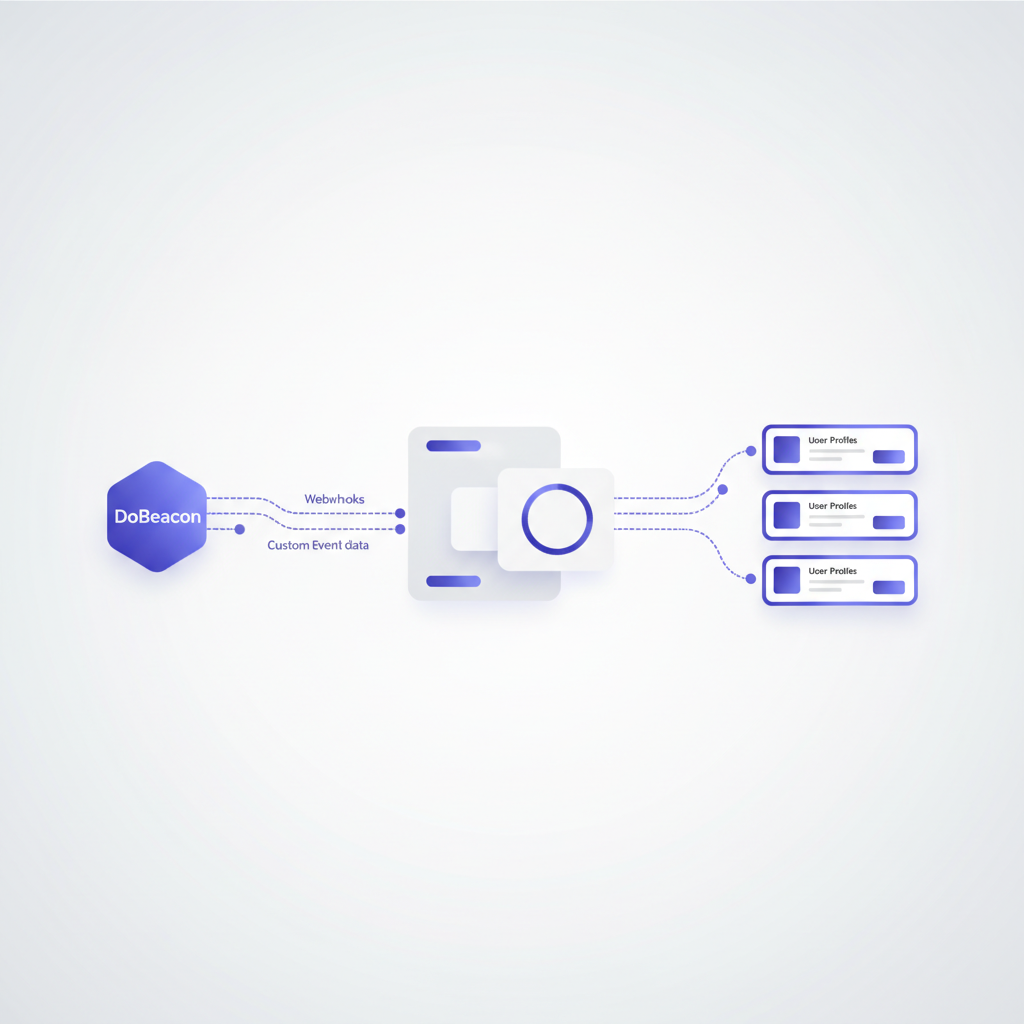
This is where we bridge the gap. While DoBeacon focuses on in-app delivery and analytics, it provides an SDK-first approach to integrate with your existing systems. By subscribing to DoBeacon's lifecycle events in your own application code, you can trigger custom actions, such as sending a POST request (webhook) to an endpoint you specify.
Your application's job is to catch that event and, based on the event data, update the corresponding user or contact record in your CRM. This usually involves a small bit of intermediary logic:
- DoBeacon Event Fires (and is caught by your code): A user completes a specific step in your tour (e.g., the step after the admin setup wizard is complete).
- Your code sends Webhook: Your application's JavaScript code (reacting to the DoBeacon event) sends a
POSTrequest with relevant JSON data (e.g.,{"user_id": "usr_abcde", "step_name": "Admin Setup Wizard Complete", "timestamp": "..."}) to your designated endpoint. - Webhook Listener: An application or service (like Zapier, Make.com, Pipedream, an AWS Lambda function, or a custom microservice) receives this request.
- Process and Transform: The listener parses the JSON, extracts
user_idand the relevant step information. It then mapsuser_idto a CRM contact ID and determines which CRM field to update. You might update a custom field called "Last DoBeacon Event" or "Onboarding Progress Stage." - Update CRM: The listener makes an API call to your CRM (e.g., Salesforce API, HubSpot API) to update the relevant contact record with the new information. For example, setting
Last_DoBeacon_Event__ctoAdmin_Setup_Wizard_Step_5_CompletedandAdmin_Onboarding_Complete__ctoTRUE.
I'm personally a big fan of using a tiny AWS Lambda function for this kind of event processing; it's dirt cheap and incredibly robust, giving you total control over the data transformation. But if you prefer a no-code approach, Zapier handles this beautifully for many common CRMs.
Implementing CRM Sync: A Step-by-Step
Let's walk through a simplified implementation for tracking a key onboarding milestone.
Step 1: Identify Key Milestones in Your DoBeacon Tour
First, identify the critical moment you want to track. Let's say it's when a user successfully creates their first project within your application, guided by a DoBeacon tour.
- Go to your DoBeacon dashboard.
- Edit the relevant tour.
- Add a
tooltiporclickwaitstep at the point where the project is successfully created. This step will serve as your milestone marker. - Ensure you've identified your users with
DoBeacon.identify(userId, { /* metadata */ })early in your application. This associates user IDs and any provided metadata with all DoBeacon events.
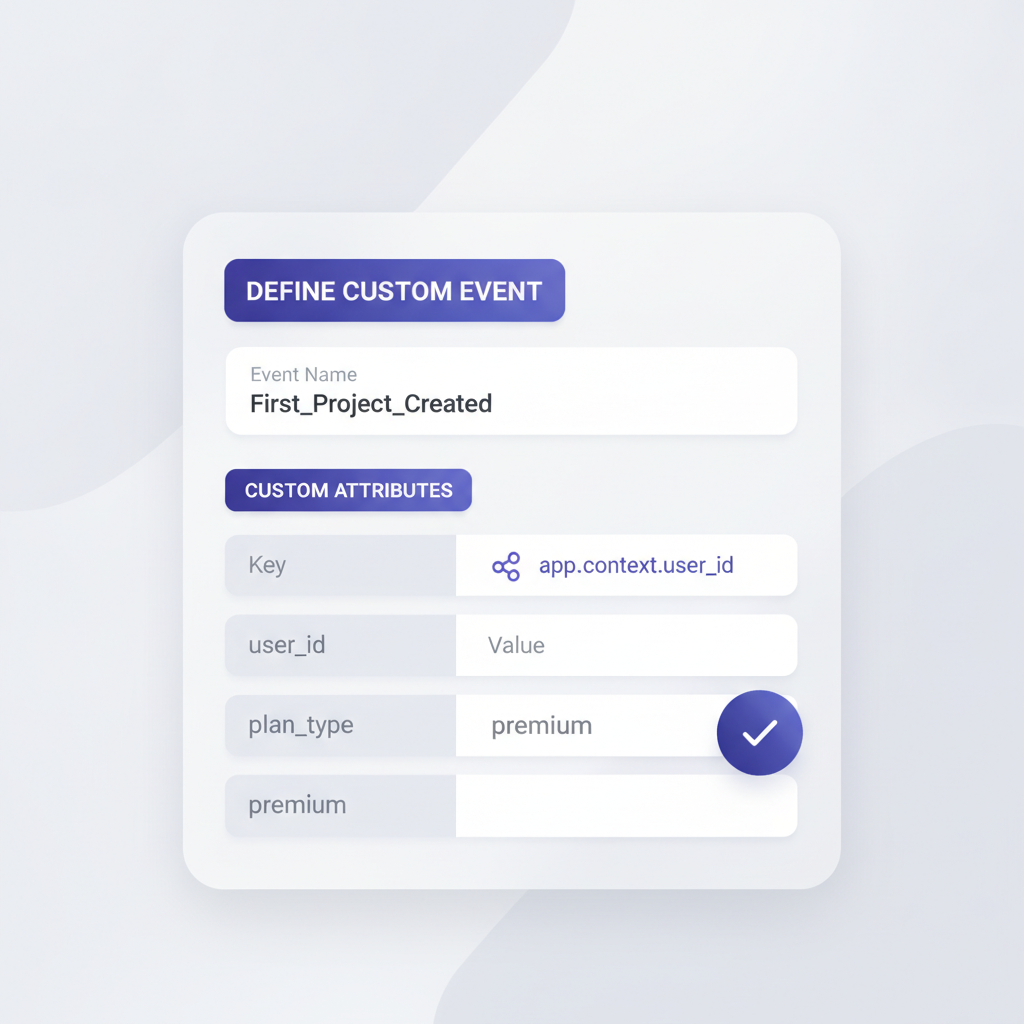
Step 2: Subscribe to DoBeacon Events in Your Application
Once your milestone step is defined, use the DoBeacon SDK in your application to listen for its completion.
- In your application's JavaScript code (after
DoBeacon.init()andDoBeacon.identify()), subscribe to thestep_completedevent. - Identify the
tourIdandstepIndexof your milestone step (you can find these in the dashboard URL when editing the tour, or by usingDoBeacon.getTours()and inspecting itsstepsarray). - Your code will look something like this:
DoBeacon.on('step_completed', (event) => {
  if (event.tourId === 'YOUR_TOUR_ID' && event.stepIndex === YOUR_MILESTONE_STEP_INDEX) {
    // This is where you'll send your webhook or update your CRM
    console.log(`Milestone step completed by user ${DoBeacon.getVisitor()?.userId}`);
    // Proceed to Step 3: Trigger your webhook
  }
});
Step 3: Set Up Your Webhook Listener and CRM Integration
This is where you stitch it all together. For this example, let's assume you're using HubSpot.
-
Zapier (No-Code):
- Create a new Zap.
- For the "Trigger," select "Webhooks by Zapier" and choose "Catch Hook."
- Zapier will give you a unique URL. You'll use this URL as the destination for the webhook sent from your application code, reacting to DoBeacon events (as configured in Step 2).
- Test the Zap by completing the relevant step in your DoBeacon tour, which will trigger your application's code to send the webhook. You should see the webhook data appear in Zapier.
- For the "Action," select "HubSpot" and choose "Find Contact" by email or user ID. If not found, create one.
- Add another action to "Update Contact Property" in HubSpot. Map the data from your webhook payload to a custom HubSpot property like
dobeacon_first_project_created_date(set to current timestamp) ordobeacon_onboarding_stage.
-
Custom Code (e.g., AWS Lambda, Node.js):
- Deploy a simple HTTP endpoint (e.g., API Gateway + Lambda, Express app).
- This endpoint receives the
POSTrequest from your application code. - Parse the JSON payload to extract
user_idandstep_nameor other relevant data. - Use the HubSpot API client library to find the contact by
user_id(or email, if you have it fromDoBeacon.identify()data). - Update a custom property on the HubSpot contact, like
properties.dobeacon_first_project_created = trueorproperties.dobeacon_last_event = 'First_Project_Created_Success'.
Step 4: Act on the Data in Your CRM
With this data flowing into your CRM, the possibilities open up significantly. Your sales and success teams can now:
- Automate Follow-Ups: When
dobeacon_first_project_createdis true, trigger an email automation from your CRM asking if they need help with advanced project features. - Create Targeted Lists: Segment users who completed the "Admin Setup Wizard" but not the "Team Invite Flow" for specific outreach.
- Proactive Support: If you track when a
Critical_Feature_X_Help_Tooltip_Viewedstep is completed and the user hasn't progressed, create a task for a CSM to check in. - Sales Enablement: Give sales reps real-time visibility into which features a prospect is engaging with during their trial, allowing them to tailor conversations.
Don't Drown in Data
One small piece of advice: don't try to track every single click. While DoBeacon gives you the power to be incredibly granular, resist the urge to send every single minor interaction to your CRM. Focus on events that genuinely indicate progress, blockers, or key milestones. Too much noise makes the data unusable, and your sales and success teams will just ignore it.
Be deliberate about what data truly matters for informing personalized outreach.
Connecting DoBeacon's rich in-app event data with your CRM transforms static user guides into dynamic, intelligent signals. It moves you from reactive support to proactive assistance and turns generic outreach into highly personalized engagement. This isn't just about efficiency; it's about building stronger relationships with your users and driving deeper product adoption.
Ready to give your customer-facing teams the insights they need? Build your first tour for free at https://dobeacon.com/signup