
You just closed a massive enterprise deal. Congratulations! Now the real work begins: onboarding. Unlike smaller clients who might happily click through a generic product tour, enterprise clients come with complex organizational structures, specialized roles, compliance requirements, and very specific workflows. A one-size-fits-all approach here isn't just suboptimal; it's a fast track to churn.
We’ve seen this challenge repeatedly, and it's why our approach focuses on providing the tools to build and adapt tours from the ground up, or generate them from existing knowledge base documents. This isn't about throwing a generic solution at your most valuable clients and hoping for the best; it’s about using DoBeacon as a scaffold to build a highly customized, persona-driven experience.
The Enterprise Onboarding Imperative
Enterprise onboarding isn't just about showing features; it's about integration, adoption, and proving value quickly to multiple stakeholders. Think about it: an IT administrator cares about SSO, user provisioning, and API access. A marketing manager needs to connect their CRM, import data, and build their first campaign. A security officer will scrutinize data handling and access controls. These are wildly different needs, often within the same organization, and your onboarding must reflect that.
If you try to dump all that information into a single, linear tour, you'll overwhelm everyone. This is where the power of segment-based onboarding comes into its own, and DoBeacon gives you a huge head start.
Building Blocks, Not Finished Products
A tour, fundamentally, is a pre-configured flow that solves a common problem. With DoBeacon, you can create structured tours for common SaaS use cases, like guiding a user through their first login, driving feature adoption, or assisting with new user setup. The magic for enterprise clients isn't just creating these tours, but in understanding how to dissect and reassemble them for specific scenarios. Building a tour isn't a shortcut to avoid thinking; it's a force multiplier for focused thinking.
I’ve found that the most effective way to approach this is to create a tour that's closest to your ideal flow, then immediately start pruning and extending. Think of it like taking a well-engineered chassis and then adding your custom bodywork, engine, and interior.
Customization Strategies for Enterprise Flows
1. Dynamic Segmentation and Tour Assignment
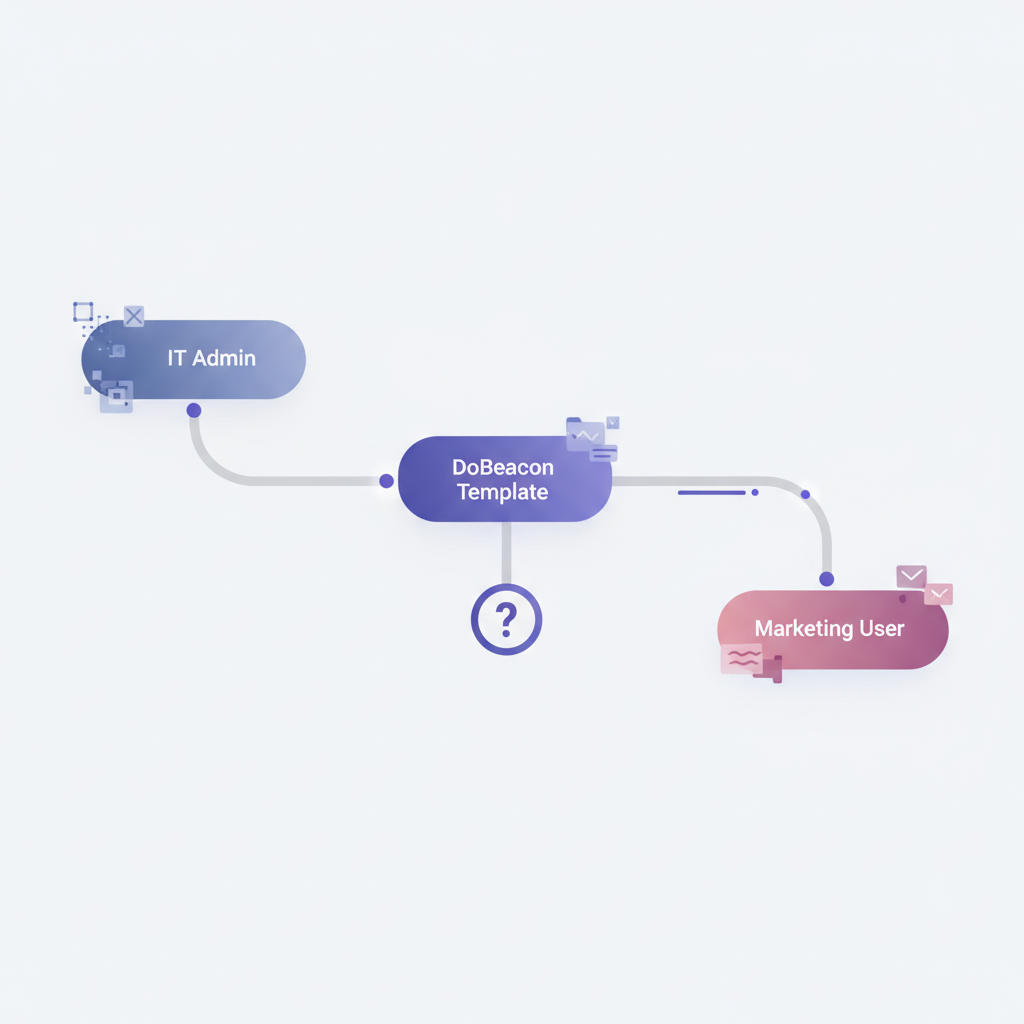
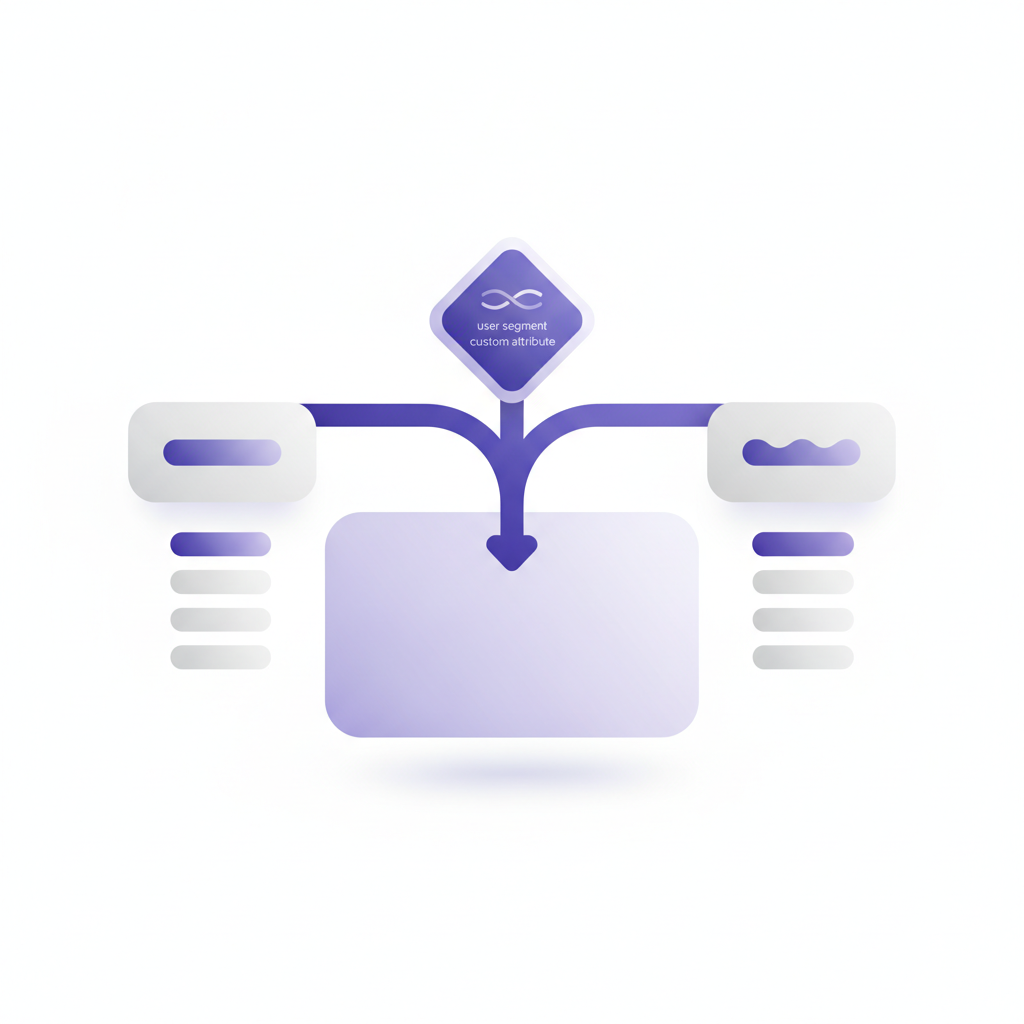
This is your primary weapon. Your application likely already classifies users based on roles, company attributes, or subscription level. By passing this segmentation data to DoBeacon using DoBeacon.identify(), you can then use your own application's logic to initiate specific tours for different groups of users.
For an enterprise client, imagine your application identifies an IT administrator with a role:admin attribute. When this user logs in, your application can tell DoBeacon to start a tour focused on SSO setup, user management, and perhaps a deep dive into audit logs.
Similarly, a user identified by your application with a role:marketing attribute can be guided by a tour through connecting to Salesforce, importing their contact list, and setting up their first campaign.
Instead of branching within a single tour, you can set up logic outside DoBeacon to identify users via DoBeacon.identify() and then initiate the most relevant tour for them using DoBeacon.startTour(). This delivers immediate relevance without complex in-tour logic.
2. Personalized Content for Guided Experiences
For personalized content, you can leverage your application's ability to display user-specific data in its UI, and then guide users through that content using DoBeacon tours. DoBeacon's identify() method, for example, allows you to associate user metadata with sessions for analytics and chat panel personalization. If you need highly personalized text within a tour step, you would manage that content within your own application and design DoBeacon tours to guide users through it.
3. Integrating External Workflows
Enterprise tools don't live in a vacuum. Your DoBeacon tours can guide users through actions outside your product. Need them to configure an identity provider (IdP) like Okta or Azure AD? Your tour can point them to the exact documentation, explain key steps, and even provide direct links to their IdP console. This is where I find a tool like Whimsical invaluable for mapping out these external touchpoints before I even touch DoBeacon's builder. It forces me to think through the entire user journey, not just the in-app part.
For a security review, you could have a dedicated tour for their security officer, walking them through compliance dashboards, data export options, and directing them to your security whitepaper or a dedicated Slack channel for questions. It shows you anticipate their needs.
Building a Concrete Example: The Sales CRM Onboarding
Let’s say you’re onboarding an enterprise client for a new sales CRM. You can build a tour specifically for a "New User Setup" scenario.
Typical Initial Tour Steps:
- Welcome and product overview.
- Set up profile.
- Connect email.
- Import contacts.
- Create first deal.
Customization for an Enterprise Client:
- For Sales Reps (identified by your application, e.g., with
role:sales_rep): You would create a specific tour for sales reps. This tour could include steps for integrating with Salesforce for contact syncing and guiding them through API key setup if needed. Your application's logic would then trigger this tour for them. - For Sales Managers (identified by your application, e.g., with
role:sales_manager): You would create a distinct tour tailored for sales managers. After initial setup (like profile setup), this tour would focus on different tasks, such as reviewing sales team performance dashboards, setting up team goals, and inviting new team members. Your application would trigger this tour for managers, ensuring the content focuses on team oversight and reporting, not individual deal creation.
This targeted approach means no one is sifting through irrelevant information. They get exactly what they need, exactly when they need it, accelerating time-to-value for the entire organization.
Pitfalls to Avoid
It’s easy to get carried away with customization. My biggest advice is this: don’t over-engineer. Start simple, target your most critical enterprise personas first, and iterate. Test your application's user identification and tour triggering logic rigorously. Nothing breaks trust faster than an enterprise client seeing a tour intended for a small business or, worse, a tour that plays incorrectly because the triggering logic failed. Use DoBeacon’s preview mode often, and test with actual user accounts configured for different segments.
Crafting personalized onboarding flows for enterprise clients doesn’t have to be a monumental task. By building tours from scratch or generating them from your knowledge base documents, and utilizing DoBeacon’s powerful customization features, you can deliver tailored experiences that drive adoption and cement long-term relationships.
Ready to build onboarding experiences that truly resonate with your enterprise clients?
Build your first tour for free at https://dobeacon.com/signup