
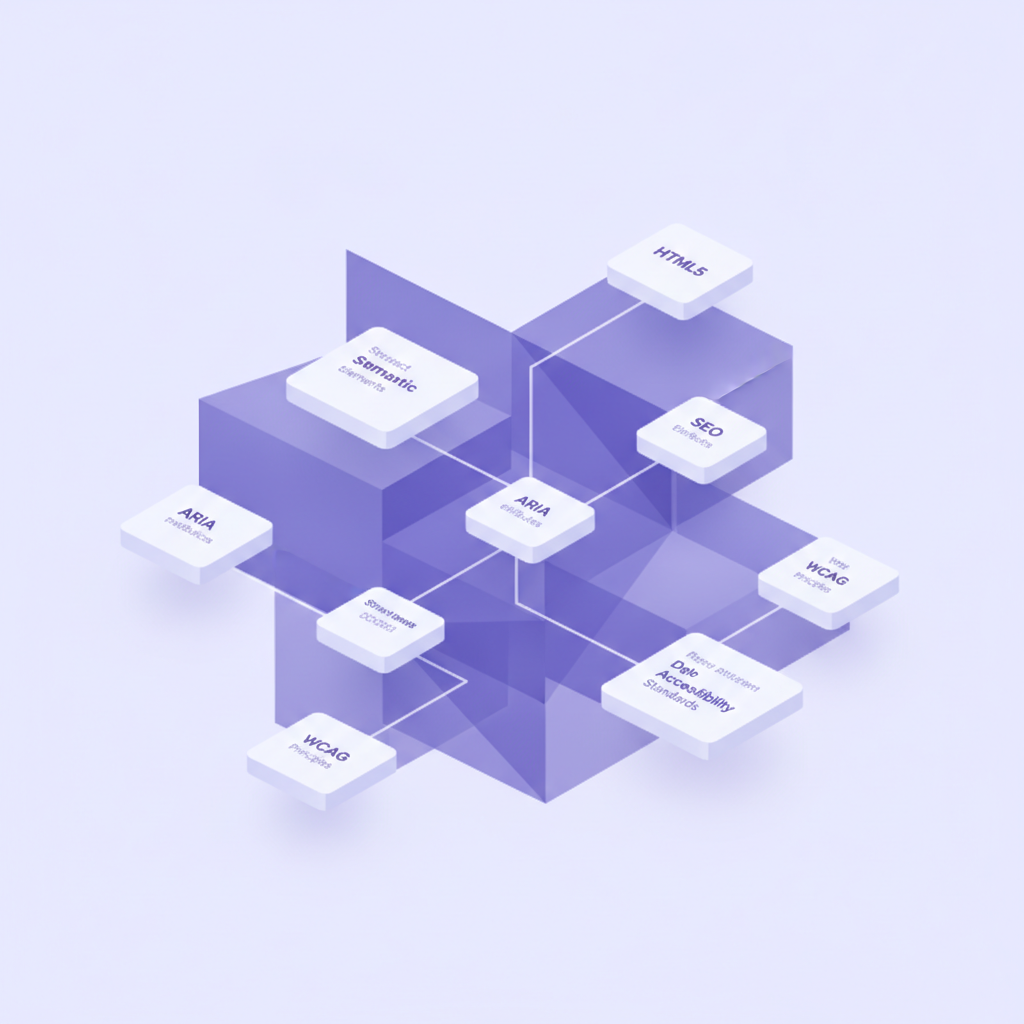
When you're building a web experience, you're not just creating something for human eyes. You're building for search engines, screen readers, social media scrapers, and a whole host of other automated systems. Get this right, and your content sings. Get it wrong, and you're leaving discoverability, accessibility, and user experience on the table.
I've spent years wiring up sites, hitting the edge cases, and figuring out what truly works. The truth is, semantic coding isn't just an SEO trick; it's fundamental to creating a web that's more useful, inclusive, and performant. It's about giving meaning to your content beyond just how it looks. Let's break down the essential concepts you need to master.
Semantic HTML5: The Foundation
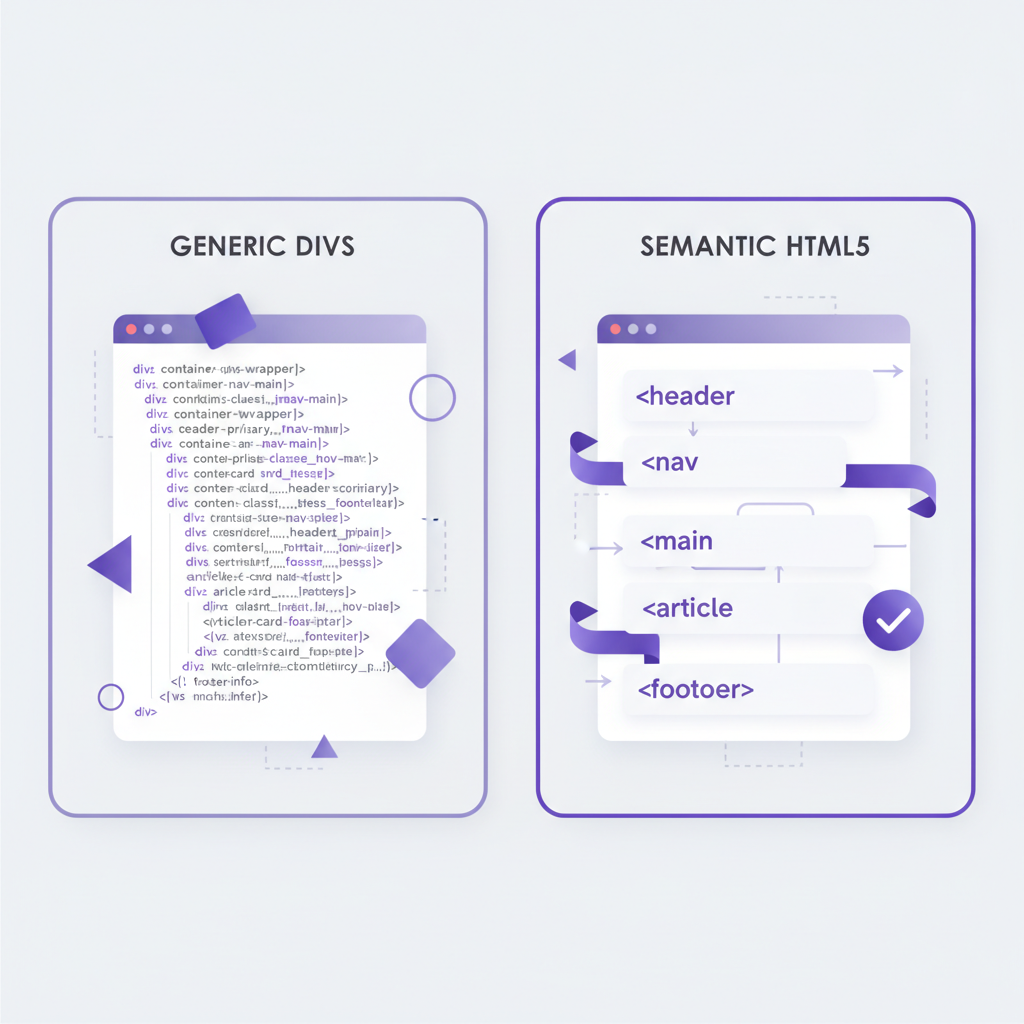
This is where it all starts. Semantic HTML means using the right HTML element for its intended purpose. Instead of <div> for everything, you're reaching for <article>, <section>, <nav>, <aside>, <header>, <footer>, and even <main>. Why? Because these tags communicate meaning directly to browsers, search engines, and assistive technologies. A <nav> element explicitly tells a screen reader, "Hey, this is where the main navigation links are." That's a huge win for users who can't see your visual layout.
Using semantic HTML also helps search engines understand the structure and hierarchy of your content, which indirectly boosts your SEO. It's cleaner code, too; you don't need dozens of classes to identify what a div is when you can just use article. It makes maintenance a lot easier down the line, I promise you. If your HTML is a sprawling mess of divs, you're setting yourself up for headaches.
Schema.org: Speaking the Language of Search Engines
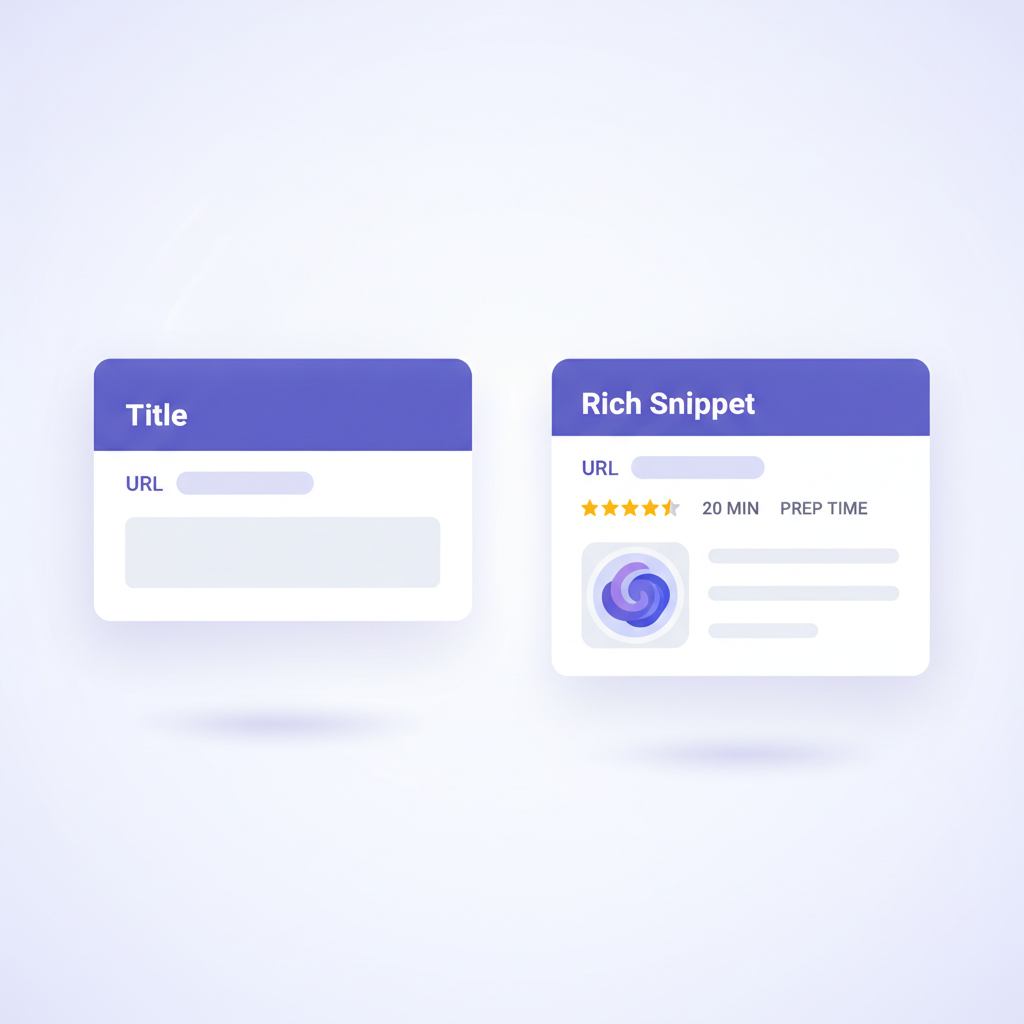
Schema.org is a collaborative vocabulary for structured data markup schemas. Think of it as a dictionary that Google, Bing, Yahoo!, and Yandex all agree to understand. By embedding Schema.org markup in your HTML, you're explicitly telling search engines what your content means – not just what it says. For example, you can tell Google that a particular piece of text is a Recipe, including its prepTime, ingredients, and aggregateRating.
This is how you get those fancy "rich snippets" in search results, like star ratings under a product or event dates. It significantly improves click-through rates because your search listing stands out. You can define everything from Person and Organization to LocalBusiness and Product. It's a goldmine for discoverability.
JSON-LD: Google's Preferred Structured Data Format
While Schema.org is the vocabulary, JSON-LD (JavaScript Object Notation for Linked Data) is the format Google prefers for implementing that vocabulary. You embed a <script type="application/ld+json"> block directly in the <head> or <body> of your HTML. It's clean, doesn't interfere with your visual HTML, and is easy for crawlers to parse. My personal take: if you're doing structured data for Google, stick with JSON-LD. It’s simply the most efficient way to deliver the data they're looking for without bloating your HTML elements with microdata attributes.
<script type="application/ld+json">
{
  "@context": "https://schema.org",
  "@type": "Article",
  "headline": "The Semantic Web Playbook",
  "author": {
    "@type": "Person",
    "name": "DoBeacon's Engineering Team"
  },
  "publisher": {
    "@type": "Organization",
    "name": "DoBeacon",
    "logo": {
      "@type": "ImageObject",
      "url": "https://dobeacon.com/logo.png"
    }
  },
  "datePublished": "2023-10-26"
}
</script>
Open Graph: Social Media Savvy
Ever shared a link on Facebook, LinkedIn, or Twitter, and it pulled in a beautiful image, a compelling title, and a clear description? That's Open Graph (OG) protocol at work. These are specific <meta> tags you place in your <head> section. Without them, social platforms often guess what to display, which can lead to broken images or irrelevant text. You don't want your carefully crafted blog post showing up as just a URL, do you?
Key Open Graph tags include og:title, og:description, og:image, and og:url. For Twitter, you'll also want twitter:card (e.g., summary_large_image) and twitter:site. Getting these right is essential for controlling your brand's presence on social media. It's free marketing, so make it look good.
ARIA Labels / Alt / Etc: Elevating Accessibility
These attributes provide additional semantic information for assistive technologies like screen readers. They don't affect visual presentation but are critical for making your content understandable to everyone.
altattribute: Absolutely non-negotiable for<img>tags. It describes the image's content or function for users who can't see it (or if the image fails to load). For purely decorative images, usealt="".aria-label: Provides a concise, human-readable label for an element when no visible label exists. For example, a button with only an icon might havearia-label="Close menu".aria-describedby: Connects an element to the ID of another element that provides a description for it. Useful for complex form fields or instructions.aria-labelledby: Similar toaria-label, but references the ID of an existing element that acts as the label. Great for associating a headline with a content region.
These attributes bridge gaps where visual context isn't enough, ensuring your users get the full picture.
Dynamic Component Accessibility (WAI-ARIA)
When your web application uses JavaScript to create dynamic, interactive components – think accordions, modals, tabs, carousels – standard HTML often falls short in conveying their state or role to assistive technologies. That's where WAI-ARIA (Web Accessibility Initiative - Accessible Rich Internet Applications) comes in. It's a set of attributes that supplement HTML, giving these dynamic elements the semantics they need.
For instance, an accordion panel can use role="button" and aria-expanded="true" or "false" to tell a screen reader whether the panel is open or closed. A tab list uses role="tablist" and individual tabs use role="tab" with aria-selected to indicate the active tab. Without WAI-ARIA, complex widgets can be completely unusable for screen reader users. Mastering these attributes is key to building truly inclusive interactive experiences.
Here's a quiet benefit you might not have considered: a well-formed accessibility tree, meticulously crafted with semantic HTML and augmented by WAI-ARIA, doesn't just empower human users with disabilities. It's also becoming absolutely essential for AI agents. These systems, whether they're web scrapers, automated testing tools, or even the next generation of generative AI agents trying to interact with your site, rely on this structured, semantic understanding to navigate and process your content intelligently. If your site’s accessibility tree is a mess, these advanced agents are just as likely to get lost as a screen reader user. It’s one of those hidden wins where good practice pays dividends in unexpected places.
WCAG: The Gold Standard for Web Accessibility
WCAG (Web Content Accessibility Guidelines) is an international set of recommendations for improving web accessibility. It’s developed by the W3C and is often adopted or referenced by legal standards worldwide. It's not code itself, but a set of principles and success criteria (A, AA, AAA) to make content perceivable, operable, understandable, and robust (POUR). Achieving WCAG AA compliance is a common target for many organizations.
This means things like: ensuring text has enough contrast against its background, making sure all functionality is available via keyboard, providing clear instructions, and building robust code that works across various user agents. It's a comprehensive checklist for making sure your site truly works for everyone.
Web Accessibility (WCAG) Non-Code Requirements
It's a common misconception that accessibility is just about code. Not true! WCAG extends far beyond the HTML and CSS. These are the non-code elements that are just as vital:
- Clear and concise language: Avoid jargon. Write simply. Use headings to break up content.
- Color contrast: Your designers need to ensure text and interactive elements have sufficient contrast. There are tools for this, but it's a design decision.
- User testing: Test with actual users with disabilities. Tools are great, but real human feedback is invaluable.
- Accessible design systems: Embed accessibility from the start in your design process, not as an afterthought. It's much cheaper to build it in than to fix it later.
- Keyboard navigation testing: Can you get everywhere and do everything on your site using only the keyboard? This is a quick test anyone can do.
Accessibility isn't a feature; it's a fundamental quality of a well-engineered web product. Ignoring it is like building a house with no doors — some people just can't get in.
ADA: The Legal Framework (US Context)
The Americans with Disabilities Act (ADA) is a U.S. civil rights law that prohibits discrimination against individuals with disabilities in all areas of public life, including employment, schools, transportation, and all public and private places that are open to the general public. While the ADA doesn't explicitly mention "websites" (it predates the commercial internet), courts have consistently interpreted it to apply to websites as "places of public accommodation."
This means if your website serves the public (which most do), it needs to be accessible. Failing to comply can lead to lawsuits and significant remediation costs. For practical guidance on how to comply with the ADA for websites, organizations typically look to WCAG standards as their benchmark. It's the legal "why" behind much of the accessibility work we do.
Technical SEO & Indexing Standards
Finally, let's talk about the practical side of getting discovered. Technical SEO ensures search engine crawlers can efficiently access, crawl, interpret, and index your content. Beyond semantic HTML and structured data, this includes:
- XML Sitemaps: Tell search engines what pages are on your site and when they were last updated.
robots.txt: Guide crawlers on which parts of your site not to visit (e.g., admin pages).
And now, there's a new player in town for managing automated access:
-
llms.txt: This often-overlooked Markdown file is quickly becoming the standard for guiding Large Language Models (LLMs) on how to interact with your site, particularly concerning data usage for training. Think of it likerobots.txt, but specifically for AI. If you want to opt out of certain LLM training, or just provide specific instructions, anllms.txtfile is your control panel. Make sure it's a Markdown file with at least one H1 header to follow the community's recommendations; otherwise, LLMs might not respect your wishes for crawling or training data. It's an evolving standard, but getting ahead of it now is smart. -
Canonical tags: Prevent duplicate content issues by telling search engines the "preferred" URL for a piece of content.
-
Mobile-friendliness: Google heavily prioritizes mobile-first indexing. Your site must be responsive.
-
Core Web Vitals: Google's metrics for user experience (loading, interactivity, visual stability). A Cumulative Layout Shift (CLS) of zero, for example, means your content isn't jumping around unexpectedly, which isn't just good for users, but for any bot trying to parse your page reliably. Optimizing these helps your ranking.
-
HTTPS: Secure sites get a small ranking boost.
Implementing these standards isn't just about pleasing the robots; it's about making sure your hard work actually gets seen by the people who need it. It ensures your content is not only accessible but also discoverable. A beautifully semantic site is only truly useful if people can find it.
Getting these details right gives your content the best chance to be seen, understood, and used by everyone. It's about building a robust, inclusive, and effective web. Ready to streamline your content delivery and ensure every user has a great experience?
Build your first tour for free at https://dobeacon.com/signup