
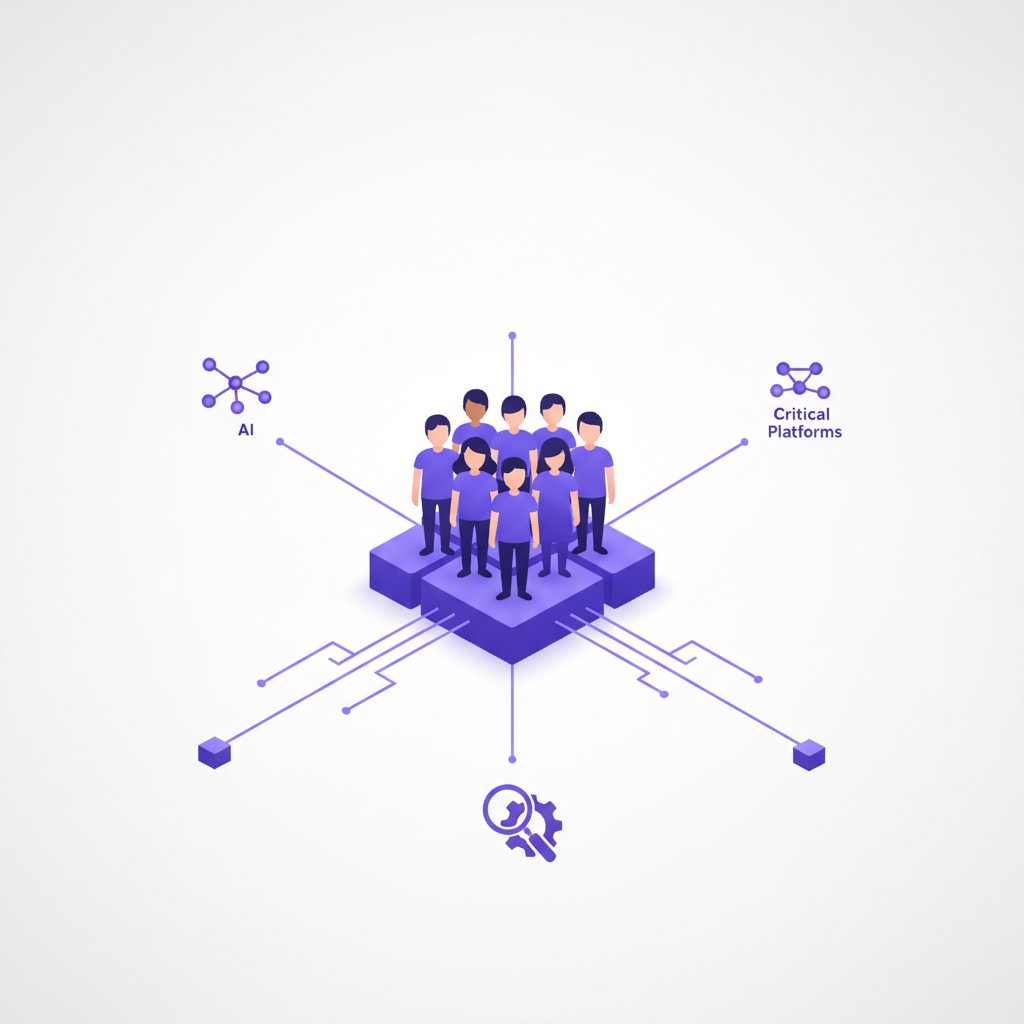
Around 15% of the world's population lives with some form of disability. That’s over a billion people. As engineers, when we build web interfaces, it’s easy to get caught up in the latest framework or clever CSS trick. But a truly well-engineered web experience is one that works for everyone. That means considering accessibility from the ground up, not as an afterthought. It's also not just a nice-to-have; it's often a legal requirement, enshrined in legislation like the Americans with Disabilities Act (ADA), and guided by global standards like the Web Content Accessibility Guidelines (WCAG).
For me, the "why" of accessibility has always felt obvious: it’s simply the right thing to do. Every user deserves equal access to information and functionality, regardless of their physical or cognitive abilities. Building an accessible site allows someone using a screen reader to navigate your complex analytics dashboard, or a user who can only use a keyboard to complete a crucial checkout process. We're in the business of enabling, and excluding such a large segment of potential users feels fundamentally wrong. It’s a core tenet of responsible software development, period.
But here’s a mildly opinionated take: while the human element should always be our primary driver, ignoring accessibility today means you're leaving a lot of performance on the table for your tools too. Accessible code isn’t just for humans with disabilities; it's for search engine crawlers, automated testing suites, AI interpreters, and platforms like DoBeacon. These systems don’t see your beautiful CSS; they read your underlying HTML structure, looking for semantic clues and robust roles. When you build with accessibility in mind, you’re not just being inclusive; you’re making your UI machine-readable in the best possible way, unlocking performance gains across the board.
The Unsung Heroes: What Your Code Says to Machines
Think about it. When Google's search bot indexes your site, it’s trying to understand the content and structure to rank it appropriately. If your primary navigation is just a bunch of <div>s with onclick handlers, how does the bot know it’s a navigation menu? It doesn't. But if you use a <nav> element with <a> tags and proper aria-label attributes, the bot gets a clear signal. This isn't theoretical; well-structured, semantic HTML often correlates with better SEO performance because it provides clearer context to indexing engines. This is Semantic HTML5 at its core — using elements like <header>, <footer>, <article>, <section>, and <aside> for their intended purposes.
Similarly, automated testing tools, like Cypress or Playwright, thrive on predictable, identifiable elements. If you’re constantly relying on fragile CSS selectors or dynamic IDs because your buttons are <span>s instead of <button>s, your tests become brittle. Adding role="button" and an aria-label makes your test scripts more robust and easier to write. It’s like giving your testing framework a clear map instead of a vague sketch.
AI engines, increasingly integrated into various parts of our digital ecosystem, also benefit massively from accessible code. Whether it's an AI-powered content summarizer trying to extract key information from your documentation, or a voice assistant attempting to complete a task on your behalf, these systems rely on understanding the intent behind your UI elements. Semantic HTML and ARIA attributes provide that explicit intent, acting as a universal language for machines.
And it doesn't stop there. Beyond basic HTML and ARIA, you can offer even richer, structured data to machines. This is where standards like Schema.org and Open Graph come in. Schema.org, often implemented using JSON-LD embedded in your HTML, allows you to describe specific entities on your page – like a product, an event, or an article – in a language search engines explicitly understand. We're talking about telling Google, "This isn't just a random set of words; this is a 'Product' with a 'name', an 'image', and an 'offer' price." It's incredibly powerful for search visibility and rich snippets.
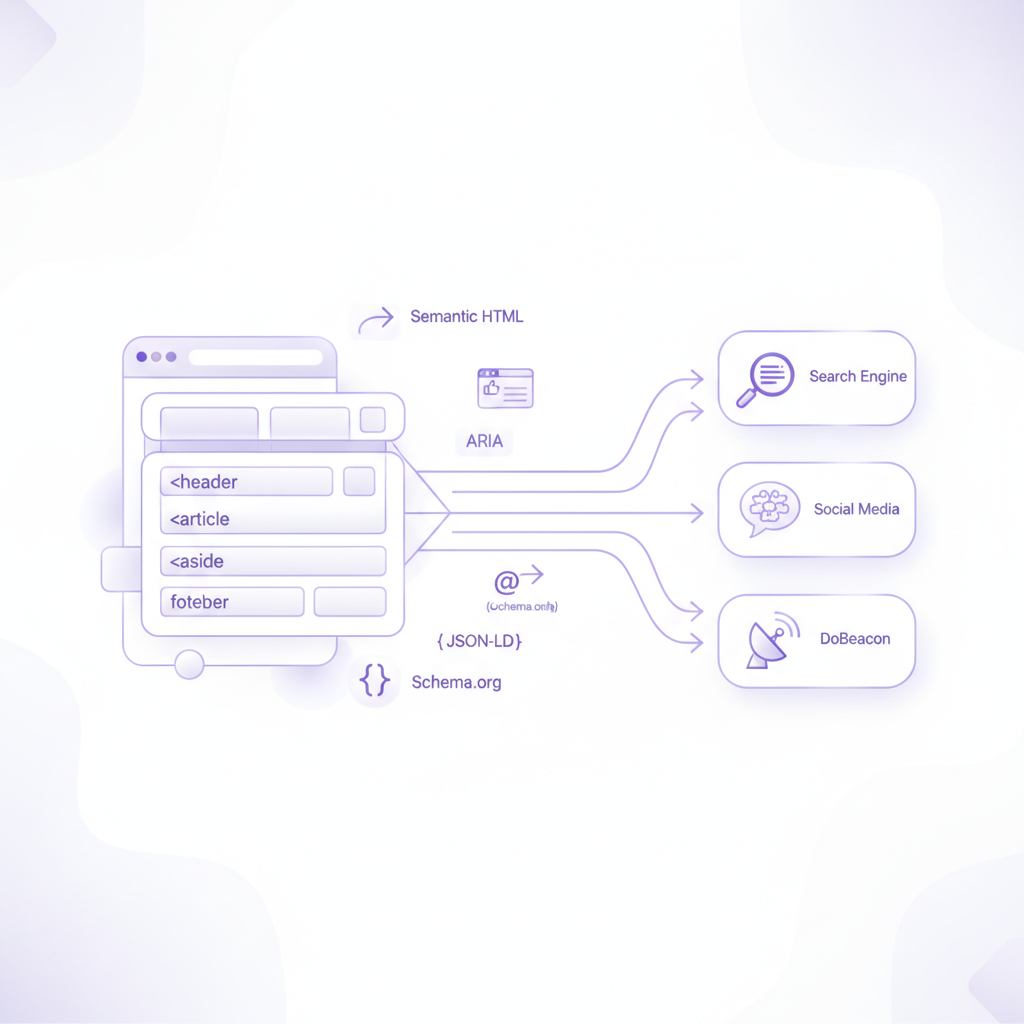 Open Graph tags, on the other hand, are designed specifically to control how your content appears when shared on social media platforms like Facebook, Twitter, and LinkedIn. Think
og:title, og:image, og:description. These aren't strictly accessibility features for users with disabilities, but they are crucial for machine readability in another context – ensuring your shared links look professional and inviting, maximizing engagement. I've seen countless times where a well-crafted social share image, powered by Open Graph, makes all the difference in click-through rates. It's a quick win that far too many sites overlook.
DoBeacon's Secret Sauce: Accessibility in Action
This is where DoBeacon truly shines, and it’s why we beat the drum for accessibility. We build tools that help you create interactive guides and tours for complex web applications. Imagine trying to build a step-by-step tour for a new hire in your internal CRM, showing them how to update a customer record. If that CRM's UI is a jumble of generic divs, it’s incredibly difficult for DoBeacon to reliably identify the "Edit Customer" button or the "Save Changes" field.
But when the underlying code is accessible — when that button is actually a <button> with a clear aria-label like "Edit Customer Profile" — DoBeacon can reliably hook into that element. We can understand its purpose, track its state, and build resilient guides that don't break every time a pixel shifts. We can translate your Standard Operating Procedures (SOPs) into actual, clickable tours with confidence, because the UI is telling us exactly what its components are meant to do.
Think of it this way: accessibility creates a robust, internal API for your UI. It's a contract between your front-end code and any system that needs to understand or interact with it. DoBeacon leverages this contract, using stable selectors that prioritize semantic HTML and ARIA attributes, to provide seamless navigation through your applications, turning abstract instructions into concrete actions.
Practical Steps You Can Take (Right Now)
So, what does this look like in practice? It’s often simpler than you might think:
- Use Semantic HTML5: Prioritize native HTML elements like
<button>,<input>,<nav>,<main>,<header>,<footer>,<aside>, and<article>. Don't use a<div>when a more specific element exists. If it's a button, make it a<button>. If it's a link, use<a>. This is the single biggest win for both human and machine readability. - Alt Text for Images: Every
<img>tag needs a descriptivealtattribute. This is non-negotiable for screen readers and also helps search engines understand your content, often boosting your image search ranking. If an image is purely decorative, use an emptyalt=""attribute. - Keyboard Navigation: Ensure every interactive element is reachable and usable via keyboard. Test this yourself: hit
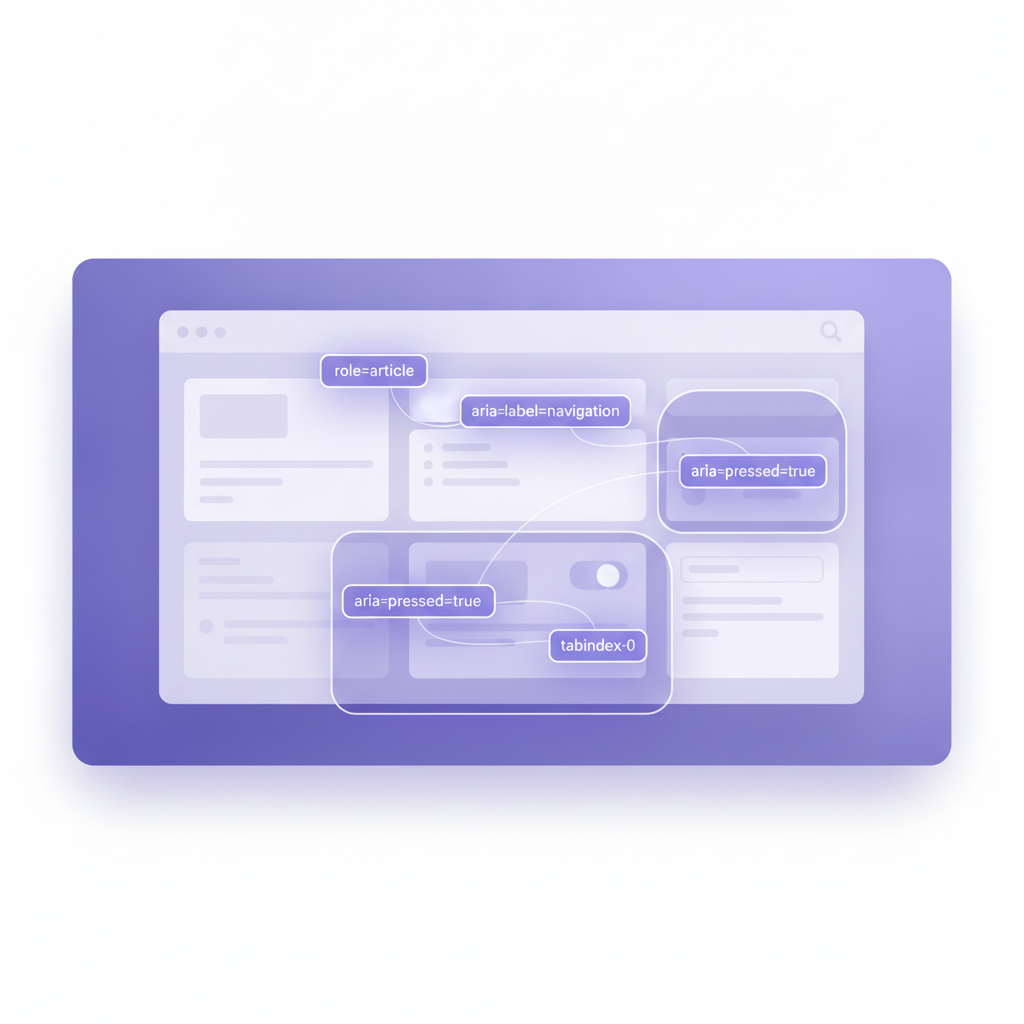
Tabrepeatedly and make sure you can get everywhere and activate everything withEnterorSpace. - ARIA Attributes: When semantic HTML isn't enough (e.g., for custom components like carousels or complex forms), use ARIA (Accessible Rich Internet Applications) attributes.
aria-label,aria-describedby,role, andaria-liveare powerful tools, but use them judiciously. Misusing ARIA can actually decrease accessibility, creating confusion for assistive technologies. My rule of thumb: use native HTML first, ARIA second. If a native HTML element does what you need, use it. - Focus Management: Pay attention to how focus moves around your page, especially after dynamic content changes or modal windows appear. Make sure users don't get lost in a sea of elements they can't interact with.
- Implement Schema.org with JSON-LD: For key content types (products, articles, events, organizations), embed structured data using JSON-LD. You can find extensive documentation and examples on Schema.org itself. This tells search engines exactly what your content is about, which can lead to rich snippets and better visibility.
- Utilize Open Graph Tags: Add
og:tags to your<head>section. These control how your pages appear when shared on social media, letting you dictate the title, description, and preview image. It’s a small effort for a big gain in social media presence.
These practices don't just help users with disabilities; they streamline development, make your code more maintainable, and unlock the full potential of automated tools — including DoBeacon.
If you're building software, you're building for people. And if you're building for people, you should be building accessibly. Your users (and your tools) will thank you for it.
Want to go a little deeper on the subject? Try this document we wrote to follow this one: https://dobeacon.com/blog/academy/semantic-web-playbook-structured-data-accessibility-cheat-sheet
Start building your first tour for free at https://dobeacon.com/signup