
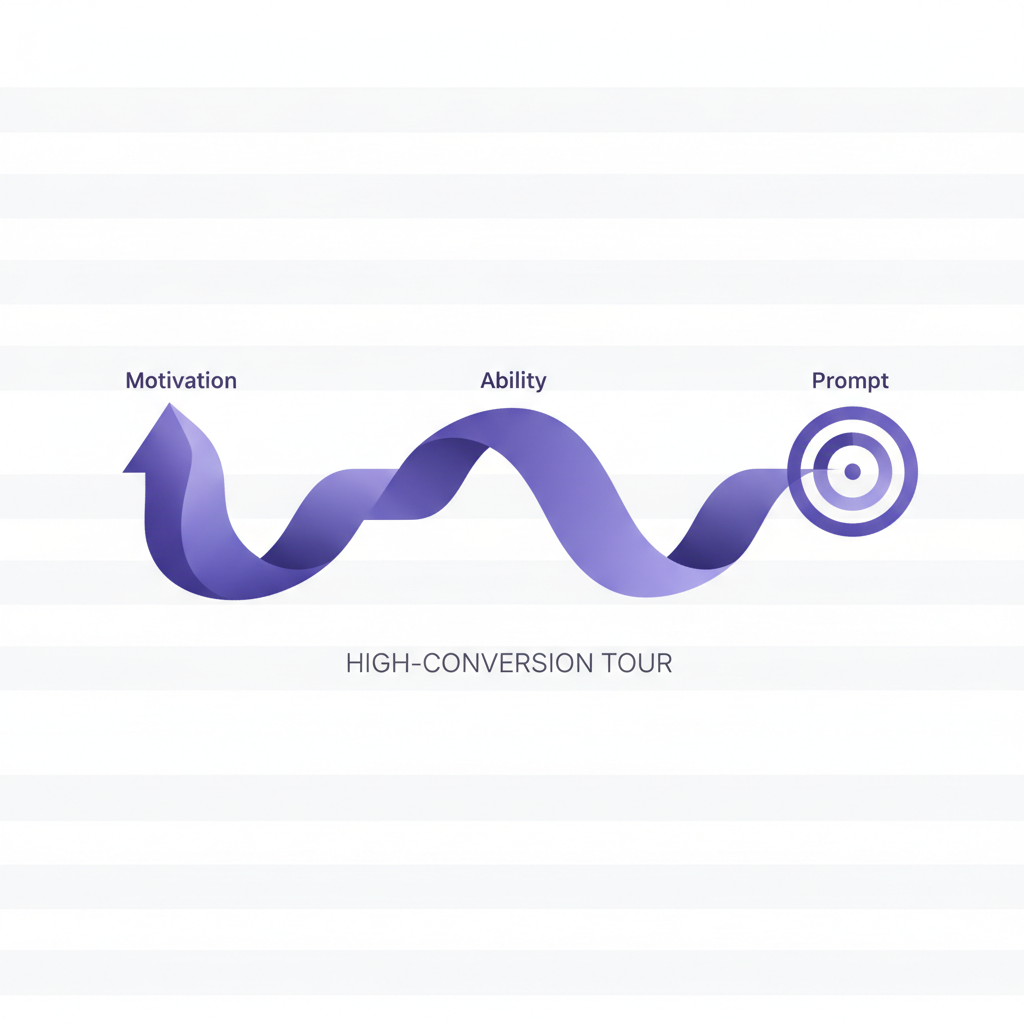
Imagine this: a brand new user signs up for your SaaS product, excited. They click around for a few minutes, maybe even start setting things up, but then… they vanish. Poof. Gone.
It's a story we hear often from the product teams we work with. Getting users to sign up is one thing, but getting them to actually use your product, and more importantly, stick around, feels like a constant puzzle. It often leaves people asking, "Why didn't they complete that crucial first step?" or "What stopped them from experiencing that key feature?"
Well, what if I told you there's a surprisingly simple framework that helps us decode exactly why people do (or don't do) things? It’s called the Fogg Behavior Model, and once you understand it, designing truly effective product tours with DoBeacon becomes less about guesswork and more about thoughtful, deliberate strategy.
Understanding B = MAP: Behavior is the Equation
Dr. B.J. Fogg, a research psychologist at Stanford University, distilled human behavior down to a straightforward equation: B = MAP. That's Behavior equals Motivation, Ability, and Prompt. For any behavior to occur, these three elements must converge at the same moment.
Let’s break down what each means, and then we'll see how beautifully they fit into creating high-conversion DoBeacon tours.
Motivation: The 'Want To' Factor
Motivation is the user's desire to perform a particular action. It's the 'why'. When someone signs up for your SaaS, they likely have a general motivation – maybe they want to automate a tedious task, collaborate better with their team, or gain insights into their data. But specific motivations for specific actions within your app need to be nurtured.
Think about it: have you ever had a brilliant idea for a new side project, bought all the necessary supplies, then let them sit in a corner for months? Your initial motivation was high, but it wasn't sustained enough to translate into consistent action. We often overestimate how long an initial burst of motivation will last.
In your product tour, understanding motivation means answering: "What problem is the user trying to solve right now by interacting with this specific part of the product?" It's less about the grand vision and more about the immediate utility. If a new HR Manager is trying to set up their team in your payroll system, their motivation isn't 'to use a great SaaS product' – it's 'to get my team paid on time so I don't get yelled at'.
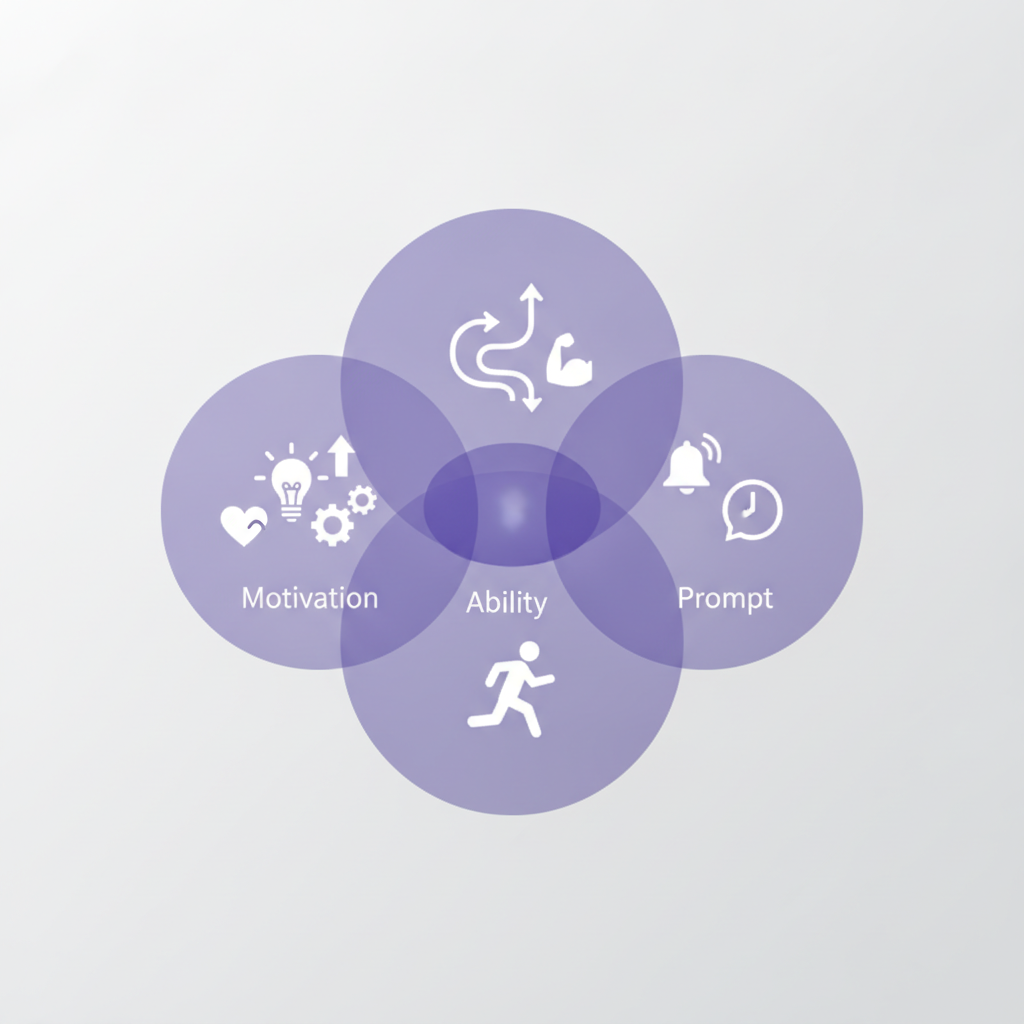
Ability: The 'Can Do' Factor
Ability refers to how easy or difficult it is to perform the target behavior. This is where many product tours fall short. We often assume that because a feature is logically designed from our perspective, it's inherently easy for anyone to use. That's a big oversight.
For a new user, even seemingly simple tasks can feel daunting. They might not know where to click, what the terminology means, or the sequence of steps. This isn't a reflection of their intelligence; it's a reflection of their lack of familiarity with your specific system.
This is where DoBeacon truly shines. It enables you to craft tours that guide users through tasks, helping to reduce friction and improve their ability to complete complex processes. Instead of expecting a user to figure out how to, say, integrate their CRM with your marketing automation tool, a DoBeacon tour can break that complex process into small, manageable steps. "Click here to connect Salesforce," then "Select your account," then "Map your fields." Each micro-step makes the overall task feel less like climbing a mountain and more like strolling up a gentle slope.
One common pitfall we've observed is designing product tours that are too long or try to explain too much at once. When ability is low, adding more instructions actually decreases perceived ability. Keep it concise, keep it focused. Remember, we're not teaching them everything at once; we're guiding them to a single, successful action.
Prompt: The 'Go Do It' Factor
A prompt (sometimes called a trigger) is the call to action – the cue that tells a user, "Do this now." It could be an email notification, an in-app message, or a button. But a prompt alone isn't enough. For a prompt to be effective, both motivation and ability must be sufficiently high at the moment the prompt appears.
Think about those spam emails you get encouraging you to 'buy now!' You delete them because your motivation to buy isn't there, or the ability to understand why you should buy is missing. On the other hand, if you're actively searching for a new project management tool and see an in-app message in a competitor's product saying, "Want to import your existing tasks? Click here!", that's a perfectly timed and highly relevant prompt. Your motivation is high, and the prompt points you to a specific, achievable action.
With DoBeacon, you can deliver contextual prompts precisely when and where they're most relevant. Instead of a generic "Welcome to the app!" tour, you can trigger a tour only when a user lands on a specific feature page for the first time, ensuring motivation is likely high (they're already looking at the feature) and their ability is supported by the step-by-step guidance.
Crafting High-Conversion DoBeacon Tours with B=MAP
Now let's bring it all together. How do we apply B=MAP to make your DoBeacon product tours not just informative, but truly behavior-driving?
- Identify the Target Behavior: What's the one thing you want the user to do after this tour? (e.g., "Connect their first integration," "Invite a team member," "Create their first report.") Be hyper-specific.
- Assess Motivation: Why would the user want to do this specific action right now? Do they understand the immediate benefit? Your tour should articulate this benefit clearly and concisely. For example, before showing them how to invite a team member, a short message could say, "Invite your team to collaborate and speed up project delivery."
- Optimize Ability: This is where DoBeacon's granular controls shine. Break the target behavior into the smallest possible steps. Use
tooltipsteps,spotlightsteps, and guidedclickwaitsteps to walk them through each click and input. Hide complexity until it's absolutely necessary. If a step involves filling out a form, pre-populate what you can, or provide clear examples. Our best tours often anticipate potential points of confusion and address them before they even become a problem. - Deliver the Prompt: Use DoBeacon's triggering options to present the tour at the ideal moment. When a user creates their first project, that's the perfect time for a prompt about inviting collaborators. Not on login, not three days later. The prompt should be clear, action-oriented, and immediately visible.
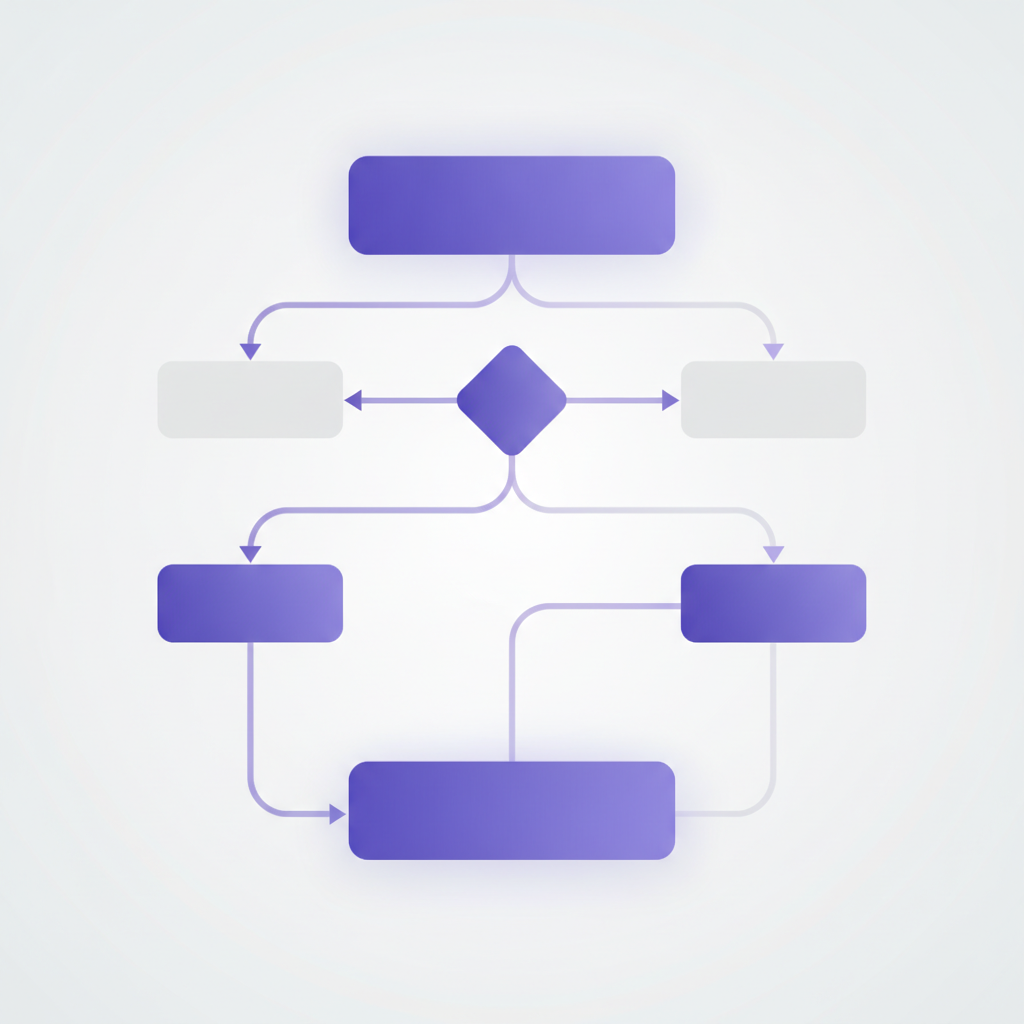 Consider an onboarding sequence for a new marketing analyst using your analytics dashboard product. Their motivation is to get meaningful insights quickly. Their ability might be low regarding your specific report builder.
- Target Behavior: Generate their first custom report.
- Motivation: Show them a quick pop-up after initial data import: "See how X company improved Y by Z% using custom reports. Want to build your first one now?"
- Ability: A DoBeacon tour guides them step-by-step: "Click 'New Report'," "Drag and drop 'Traffic Source' to dimensions," "Select 'Conversions' as a metric," "Click 'Generate Report'." Each step is a bite-sized instruction.
- Prompt: The "Want to build your first one now?" question is a prompt you can implement on your site; a user's interaction with it can then trigger the DoBeacon tour.
By systematically applying the Fogg Behavior Model, we can move away from generic product tours and create guided experiences that genuinely understand and influence user behavior. It's not just about showing features; it's about enabling success.
Ready to put these ideas into practice? We've put together a handy checklist for designing your next DoBeacon product tour, ensuring you hit all the B=MAP elements. You can grab it right here [link to downloadable checklist]. If you're looking to implement these behavioral design principles with a powerful platform, you can explore what DoBeacon has to offer and even try it out yourself at https://dobeacon.com/signup.