
How many times have you scrolled through a hefty PDF manual, eyes glazing over, just trying to figure out one tiny button or workflow in a new tool? Probably too many. It's a common struggle, and honestly, we felt it too. The truth is, most people don't want to read about how to use software; they want to use it, with a little friendly nudging along the way.
That's why we're so genuinely excited about the power of guided tours in DoBeacon. This isn't just another feature; it's our answer to making software adoption intuitive and immediate. We’re moving beyond static documentation and giving you the power to create in-app guidance that truly replaces those forgotten manuals.
What's Wrong With My Existing Docs?
Look, your carefully crafted help articles and user guides aren't bad. They’re packed with good information. But here's a mildly opinionated take: relying solely on static documentation in 2024 is like giving someone a map and expecting them to teleport to their destination. They still have to figure out how to get there, and they'll probably get lost or frustrated trying to match the map to the real world.
Think about onboarding a new sales rep to a complex CRM like Salesforce. You could send them a 50-page PDF detailing every step of creating a new lead, converting it to an opportunity, and assigning tasks. Or, you could set up a DoBeacon tour that literally walks them through that exact process within Salesforce itself, pointing to the right fields, explaining each click, and ensuring they complete the task correctly the first time. It's not about explaining; it's about doing.
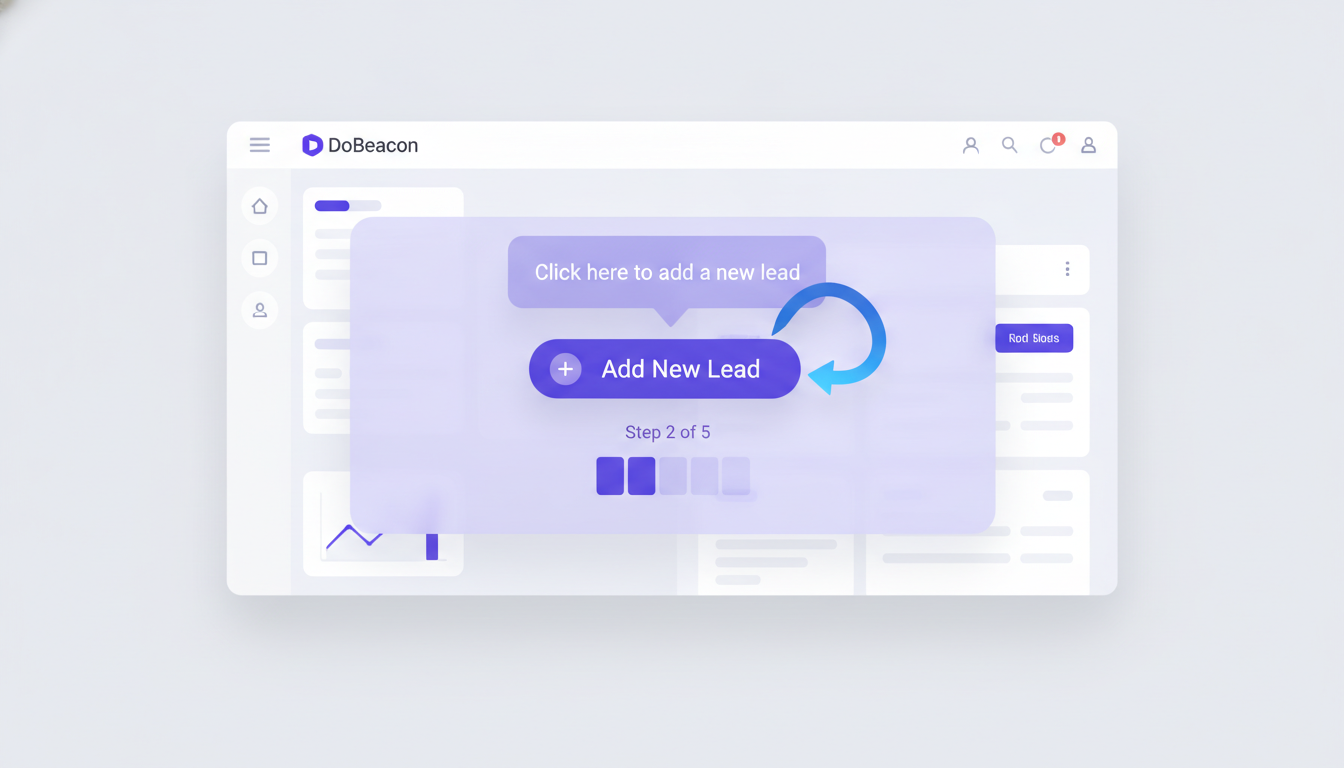
Before, you might have used tooltips or basic hotspots to highlight elements. Those are great for discovery! But they don't guide a user through a multi-step process. With DoBeacon tours, we've essentially turned those static instructions into step-by-step in-app tours that ensure your user progresses through tasks.
Building Your First Guided Tour
We built DoBeacon tours to be incredibly flexible, but surprisingly simple to set up. You'll find the Tour builder under Projects in your DoBeacon dashboard. From there, it's just a few clicks to start your first journey.
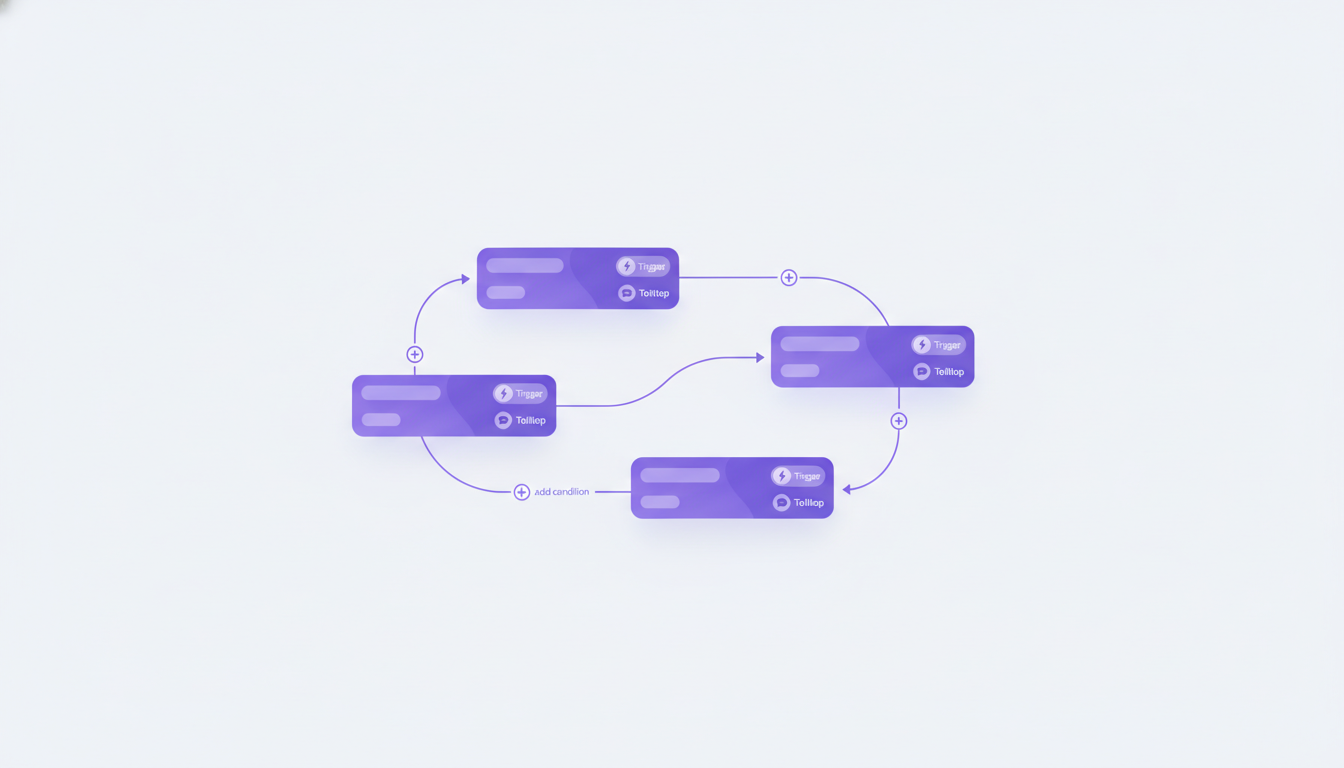
- Define your trigger: What action or page visit starts the tour? For example, tours can play automatically when a user lands on a matching URL, or users can launch them on demand from the DoBeacon assistant bubble.
- Add your steps: For each step, you can target specific UI elements in your application. Choose to highlight them, add a tooltip with instructions, or even require a specific action (like clicking a button) before the tour continues.
I remember trying to learn a new video editing suite back in college. The documentation was extensive, but it never matched my actual project or my specific version of the software. I spent more time trying to find the right section than actually editing. It drove me nuts! This is the kind of frustration DoBeacon tours eliminate. Users learn in the context of their own work, which makes all the difference.
This isn't just about training. It's about reducing support tickets, improving feature adoption, and ultimately, making your users feel more capable and successful with your product. When they can intuitively accomplish tasks without ever leaving the app or feeling lost, you've created a far better experience. That's a huge win for everyone involved.
Ready to transform your user training? Try DoBeacon's guided tours today.